🔒
Team
Roles and Permissions That Keep Teams Focused
Fine-grained access control so the right people can do the right tasks, across modules and branches.
Overview
What it does
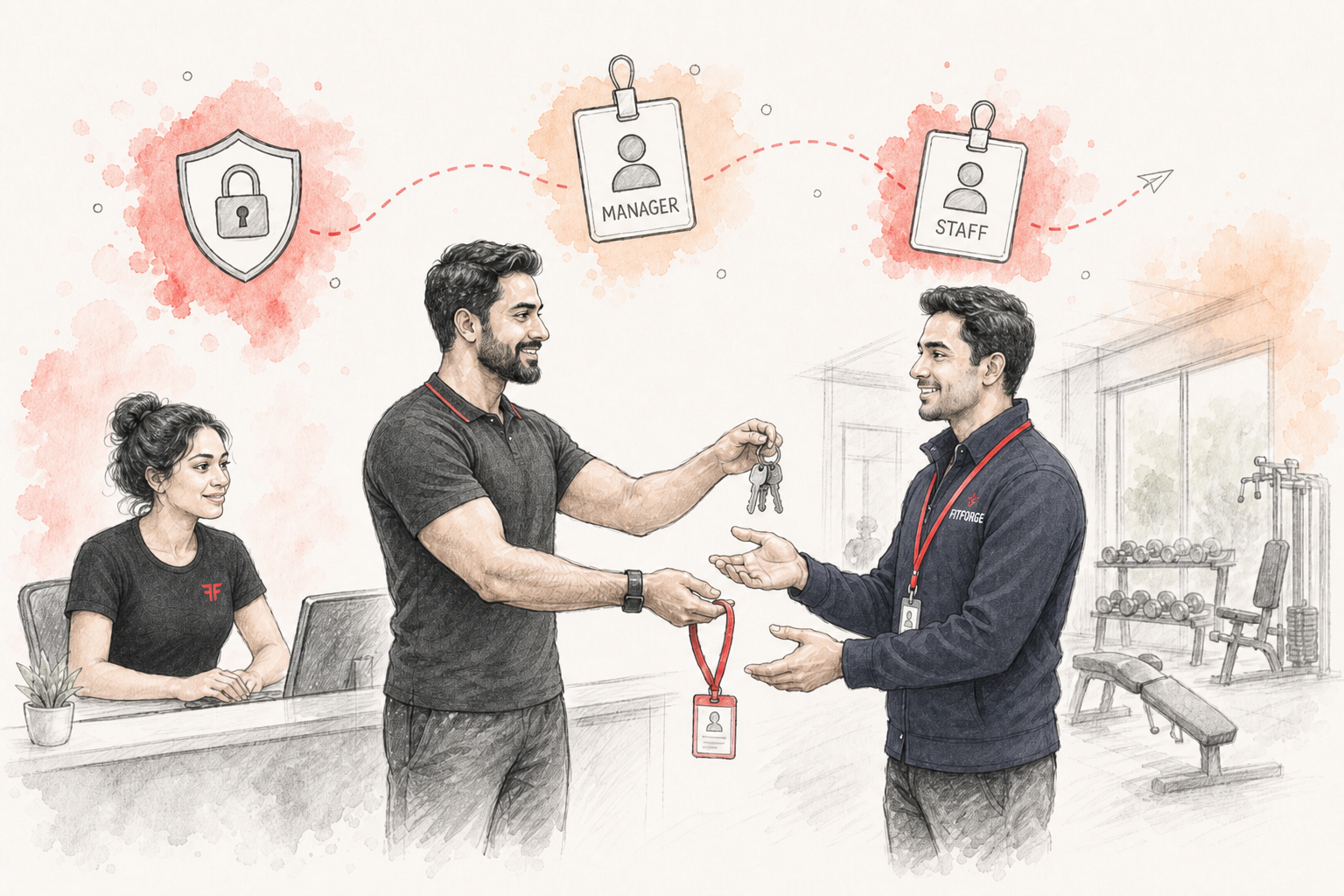
FitForge supports three roles: Owner, Manager, and Staff. Owners configure what managers and staff can view and do across the platform.
Permissions cover major modules such as members, billing, enquiries, transactions, expenses, and more. Extra member actions can be controlled separately as well.
For multi-branch gyms, permissions can be scoped so managers and staff only see branches they’re assigned to, while owners can view HQ.
After permission changes, managers and staff should sign in again so the new access rules apply correctly.
Key capabilities
How it helps your gym
Product module
Part of this FitForge product
Explore related
Works even better with
FAQ
Common questions
What modules can I configure for staff access?+
Owners can configure module permissions like view, create, edit, delete, import, and export for allowed modules, plus extra member actions.
How do branch-scoped permissions work?+
Managers and staff can be assigned branches. Their visibility and actions are limited to those branches so teams stay focused.
Do staff roles update immediately after settings changes?+
After permission changes, managers and staff should sign in again so they receive updated access rules.
Start your 14-day free trial
Memberships, billing, QR attendance, and WhatsApp reminders — all in one gym OS built for India.